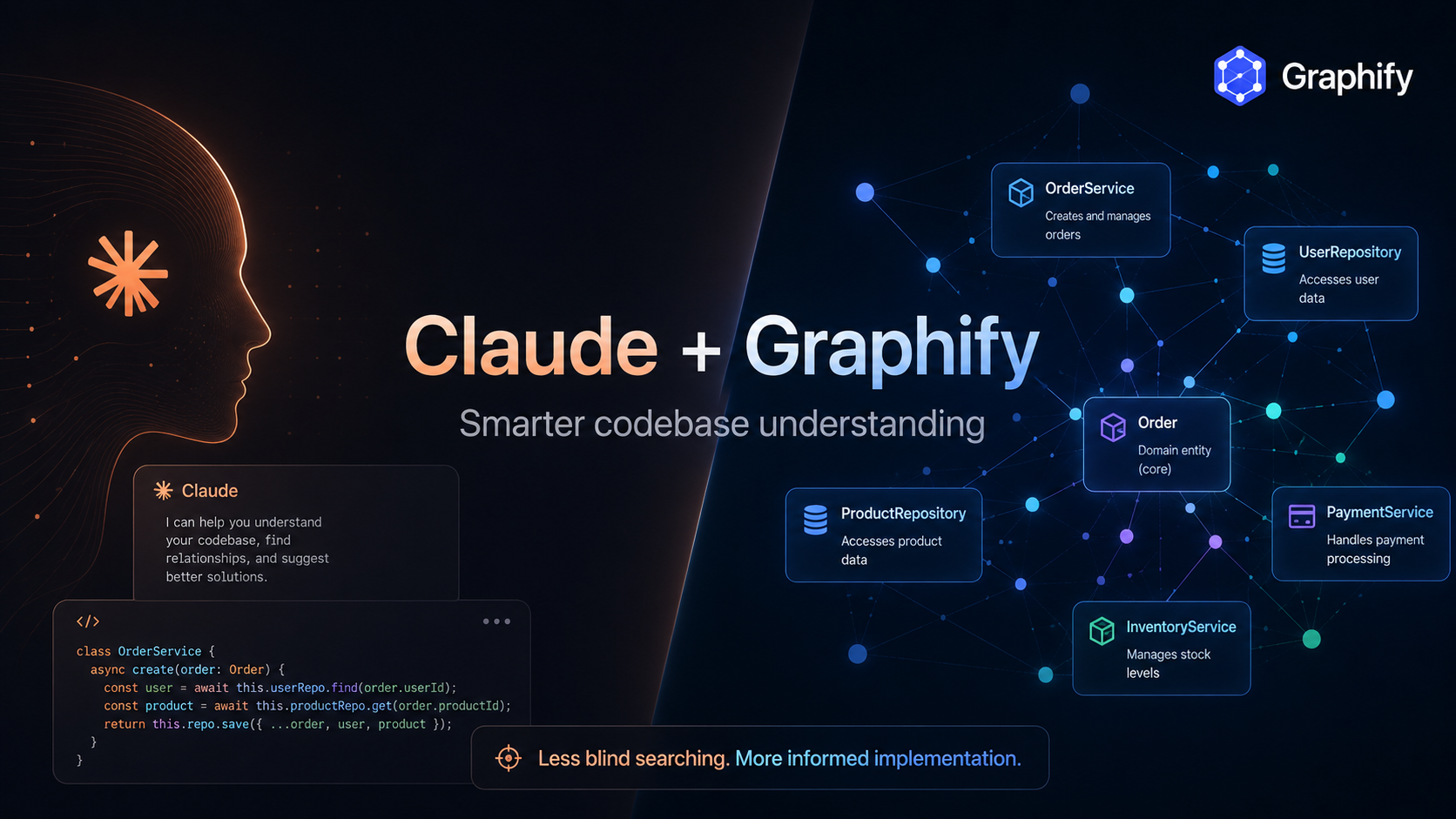
Claude Code is very good at changing code. The expensive part often comes before the change: understanding where everything lives.
On a growing application, a simple request can trigger a long loop of Grep, Glob, file reads, and architecture discovery before Claude even reaches the relevant code.
I started testing a different approach with Graphify: build a knowledge graph of the repository first, then let Claude use that graph to narrow its search.
Claude gives you coding power. Graphify gives Claude a map of the codebase.
The idea
Instead of this:
the workflow becomes:
The interesting part is not only token usage. The graph also becomes an architectural memory layer: Claude can see relationships between components, services, API routes, models, and shared dependencies before making a change.
Quick setup on Windows
Install uv:
Install Graphify:
Restart the terminal, then verify:
Inside your project:
--strict is useful because it makes Claude query the graph before its first broad raw-source exploration.
Now start Claude Code:
and run:
The first build creates the project graph:
You can open the visual graph directly on Windows:
The workflow I use after that
The full graph build is not something I want to repeat for every session.
For normal code changes:
Then:
If I receive a new specification, I simply tell Claude where it is:
Making it automatic with a Claude skill
The part I like most is turning this into repository behavior instead of remembering to paste the same prompt every time.
I keep a small project skill such as:
The app-update skill tells Claude to follow this sequence:
That makes the workflow repeatable for feature requests, refactors, bug fixes, and specification files.
A useful example: impact analysis
Graphify is also useful before touching highly connected code.
or:
Instead of asking Claude to understand the entire application, I can ask it to inspect the part of the graph relevant to the change.
That is a much better fit for large repositories.
Does it actually save tokens?
The first graph build can itself be expensive, especially if semantic analysis includes a lot of documentation.
The potential saving comes later: repeated development sessions no longer need to rediscover the same architecture from scratch.
Graphify includes a benchmark command:
So rather than trusting a generic “X% fewer tokens” claim, I prefer measuring it on the actual project.
The bigger idea
I originally looked at Graphify because of token usage.
After using it, I think the more interesting idea is persistent architectural context.
Claude should not need to rediscover the same codebase every time a new feature arrives.
A useful agent workflow should look more like:
Understand the change → locate the architecture → verify the source → implement safely.
Graphify gives Claude a structured way to do the second step.
For larger applications, that can be more valuable than token savings alone.